

Join our Discord
Conquering the steep learning curve
Star Citizen, with its deep mechanics and unconventional controls, can initially feel overwhelming. Forget traditional tutorials – we'll break down your 'first hour' into simple, actionable steps. Learn the essential keybindings and flight physics to navigate from your hab to your first ship with ease, making your initial voyages smooth and enjoyable.
Navigating the 'alpha' universe
It's crucial to remember that Star Citizen is in active 'Alpha' development. This means occasional bugs or server instability are part of the experience. We'll help you set realistic expectations, teach you how to contribute to the Issue Council, and provide clever workarounds, transforming potential frustration into a valuable, collaborative journey.
Your first ship and your first fortune
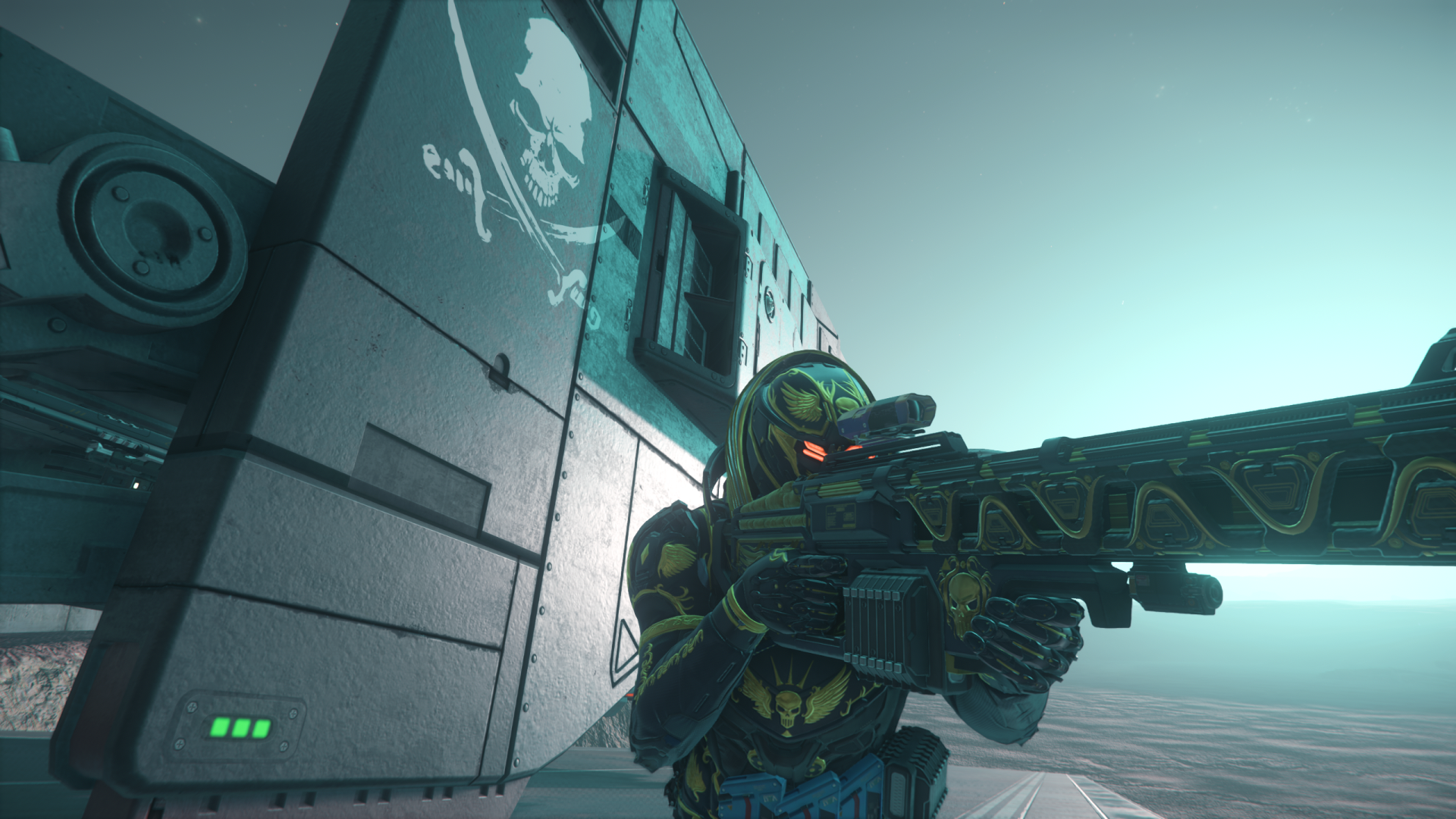
The RSI store can be a labyrinth of options, making it hard to choose your first vessel. Fear not! We provide a clear comparison of best value-for-money Starter Packs, such as the Mustang Alpha and Aurora MR. Remember, a basic pack is all you need; everything else can be earned through exciting in-game adventures.
Beyond ships, there's an even bigger head start waiting. Don't leave money on the table! The most impactful decision during account creation is using our special referral code STAR-NVGH-HR6X. This grants an immediate, massive 50,000 UEC bonus – a one-time opportunity that cannot be added later! Why 50,000 UEC is a game-changer: Instantly equip yourself with heavy armour, powerful weapons, and essential gadgets. Skip the early grind and jump straight into lucrative contracts. Upgrade your starter ship's Quantum Drive or shields for faster, safer travel. This referral UEC is permanent, staying with your account forever!
The "First 50,000 UEC" Shopping Guide
Congratulations! You’ve just landed in the Verse with 50,000 UEC thanks to referral code STAR-NVGH-HR6X. Most players start with almost nothing, but you are ready for action. Here is the best way to spend your first credits to ensure you survive your first missions.
1. The "Survivor" Combat Suit (~12,500 UEC)
Don’t go out in just a flight suit. Head to a shop like Cubby Blast in Area18 or Tammy and Sons in Lorville.
- Medium Armor Set: Offers a balance between protection and speed. Includes a Helmet, Core, Arms, and Legs. Star Citizen Tools - Armor
- Backpack: Essential for carrying extra ammo, loot, and mission items.
2. Primary Firepower (~7,000 UEC)
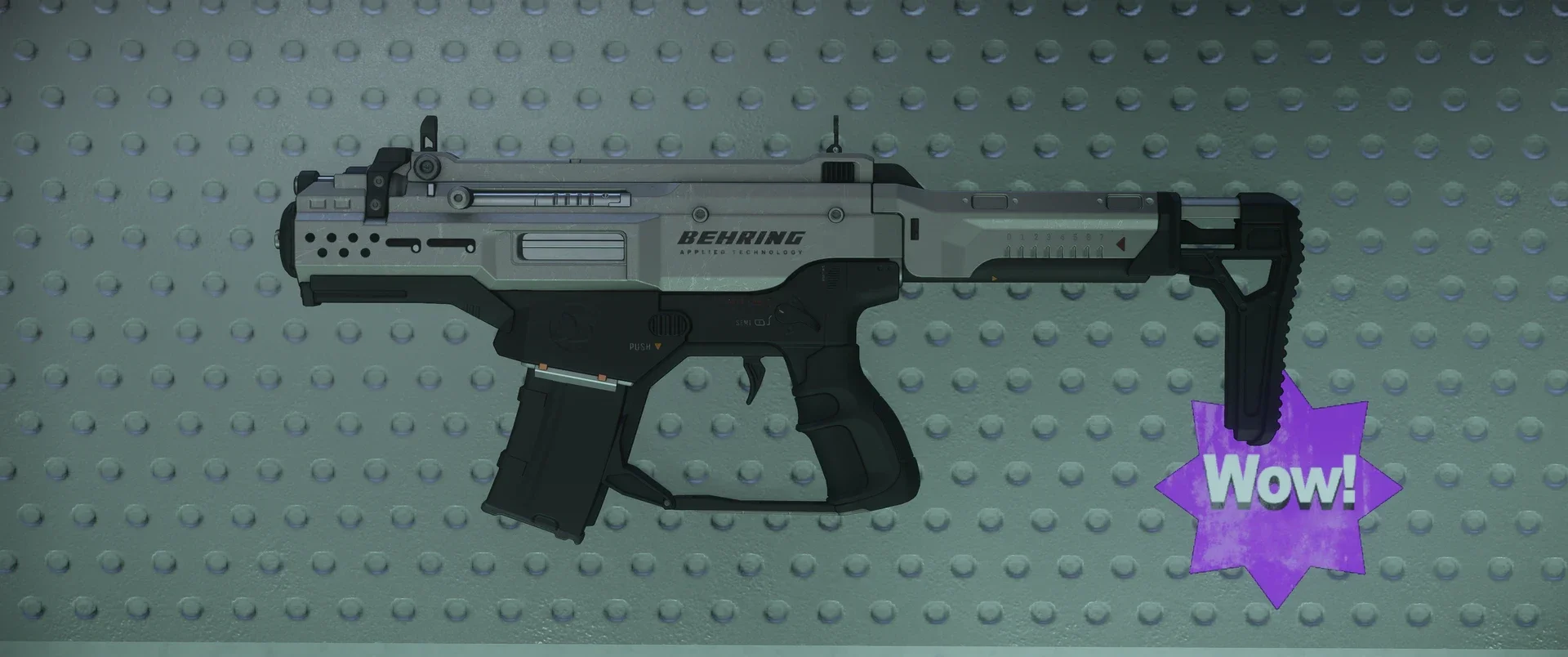
You need a reliable weapon for bunker missions or self-defense.
- P4-AR Assault Rifle: The most versatile and reliable rifle for beginners. Star Citizen Tools - P4-AR
- 4x Magazines: Always carry spare ammo.
- Red Dot Sight: Improves your accuracy significantly in dark corridors.
3. The "Life-Saver" Medical Kit (~2,000 UEC)
Space is dangerous, and bleeding out is the #1 cause of death for new pilots.
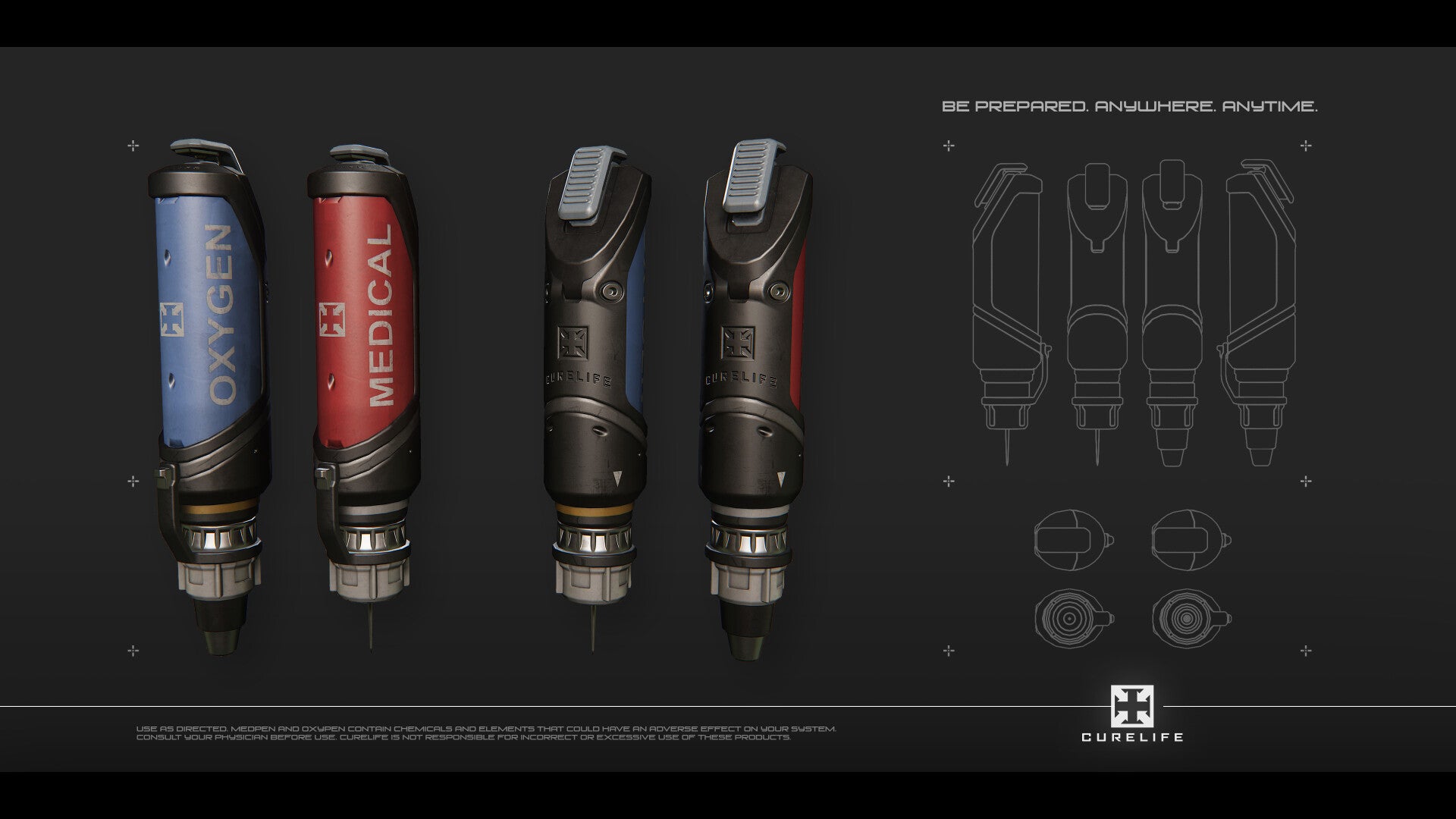
- 5x MedPens: Instant healing for injuries.
- ParaMed Medical Device: A handheld tool to diagnose and heal yourself or others. Star Citizen Tools - Medical
4. Utility Tools (~3,500 UEC)
- Multi-Tool + Tractor Beam Attachment: This is the most important tool in the game. It allows you to move cargo, salvage ship parts, and even pull yourself through zero-G. Star Citizen Tools - Multi-Tool
5. Ship Essentials (~15,000 UEC)
Save your remaining credits for your ship’s first real upgrade:
- Atlas Quantum Drive: If you have a small starter ship (like an Aurora or Mustang), this upgrade allows you to jump across the entire Stanton system much faster and without running out of fuel. Star Citizen Tools - Quantum_drives
TOTAL SPENT: ~40,000 UEC
REMAINING BALANCE: ~10,000 UEC (Keep this for fuel, landing fees, and your first trade cargo!)
Ready to gear up? Enlist with code STAR-NVGH-HR6X and claim your 50,000 UEC now!
Star Citizen 2026: Ultimate Technical Optimization Guide
Maximizing Performance for Alpha 4.6 and 4.7
Star Citizen is one of the most demanding simulations ever created. Even with a high-end PC, poor configuration can lead to stuttering and low FPS. Follow this definitive guide to ensure your hardware is fully optimized for the Verse.
1. The "Golden Trio" of Hardware Requirements
Before tweaking software, ensure your hardware meets the 2026 baseline for a smooth experience:
- SSD is Mandatory: Never install Star Citizen on an HDD. The game constantly streams gigabytes of assets via Object Container Streaming (OCS). An NVMe M.2 drive is highly recommended.
- 32GB RAM Minimum: While the game lists 16GB, the current builds (especially in cities like Orison) easily consume 22-24GB.
- Pagefile Configuration: If you have 16GB or 32GB of RAM, ensure your Windows Pagefile is set to "System Managed" on your fastest SSD. Never disable the Pagefile.
2. Critical Windows Optimizations
- Game Mode: Turn ON Windows Game Mode. It prioritizes CPU cycles for the game process.
- High Performance Power Plan: Go to Control Panel > Power Options and select High Performance or Ultimate Performance.
- Hardware-Accelerated GPU Scheduling (HAGS): For NVIDIA users, turn this ON in Windows Display Settings. This reduces bottlenecking in heavy areas like Lorville.
3. NVIDIA & AMD Control Panel Tweaks
To gain an extra 10-15 FPS, apply these specific driver settings:
- Shader Cache Size: Set this to 10GB or Unlimited. Star Citizen compiles thousands of shaders; a small cache causes "stuttering" every time you enter a new area.
- Vertical Sync: Turn this OFF in the driver and in-game. Use G-Sync or FreeSync if your monitor supports it.
- Power Management Mode: Set to Prefer Maximum Performance.
4. In-Game Settings: The "Counter-Intuitive" Fix
Interestingly, lowering settings in Star Citizen often decreases performance by shifting the load from the GPU to the CPU.
- Graphics Quality: Set to Very High. This forces the GPU to handle the rendering, freeing up your CPU for physics and AI.
- Volumetric Clouds: Set to Medium or Off. This is the single biggest "FPS killer" in Crusader (Orison).
- Object Distance / Terrain: Set to High.
- Motion Blur & Film Grain: Set to Off for maximum visual clarity and reduced GPU overhead.
5. The "Fresh Patch" Ritual (Crucial for 4.7 PTU)
After every minor update or patch, old shader files can become corrupted, leading to crashes.
- Navigate to \StarCitizen\LIVE\ (or \PTU\).
- Delete the USER folder. (Note: Back up your keybindings first!).
- Delete the Shader folder located in %localappdata%\Star Citizen.
- Restart the game and let it sit in the main menu for 2-3 minutes to re-compile shaders.
🚀 Pro Tip for New Recruits
Optimizing your PC is the first step. The second is having the right start. Don't forget that using a referral code doesn't just help the community—it gives you 50,000 UEC to buy better ship components right away.
👉 [GET STARTED WITH A BONUS: USE REFERRAL CODE STAR-NVGH-HR6X]